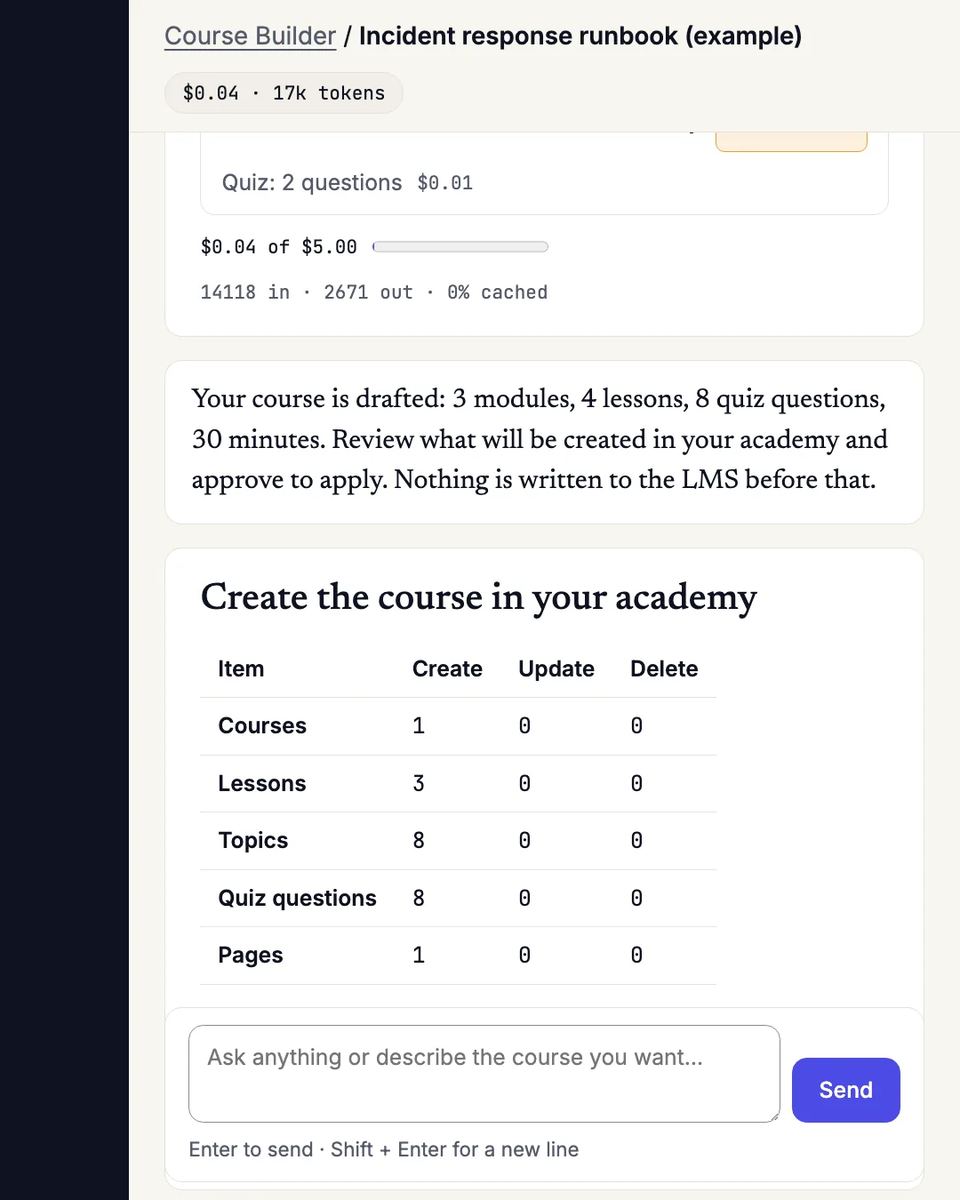
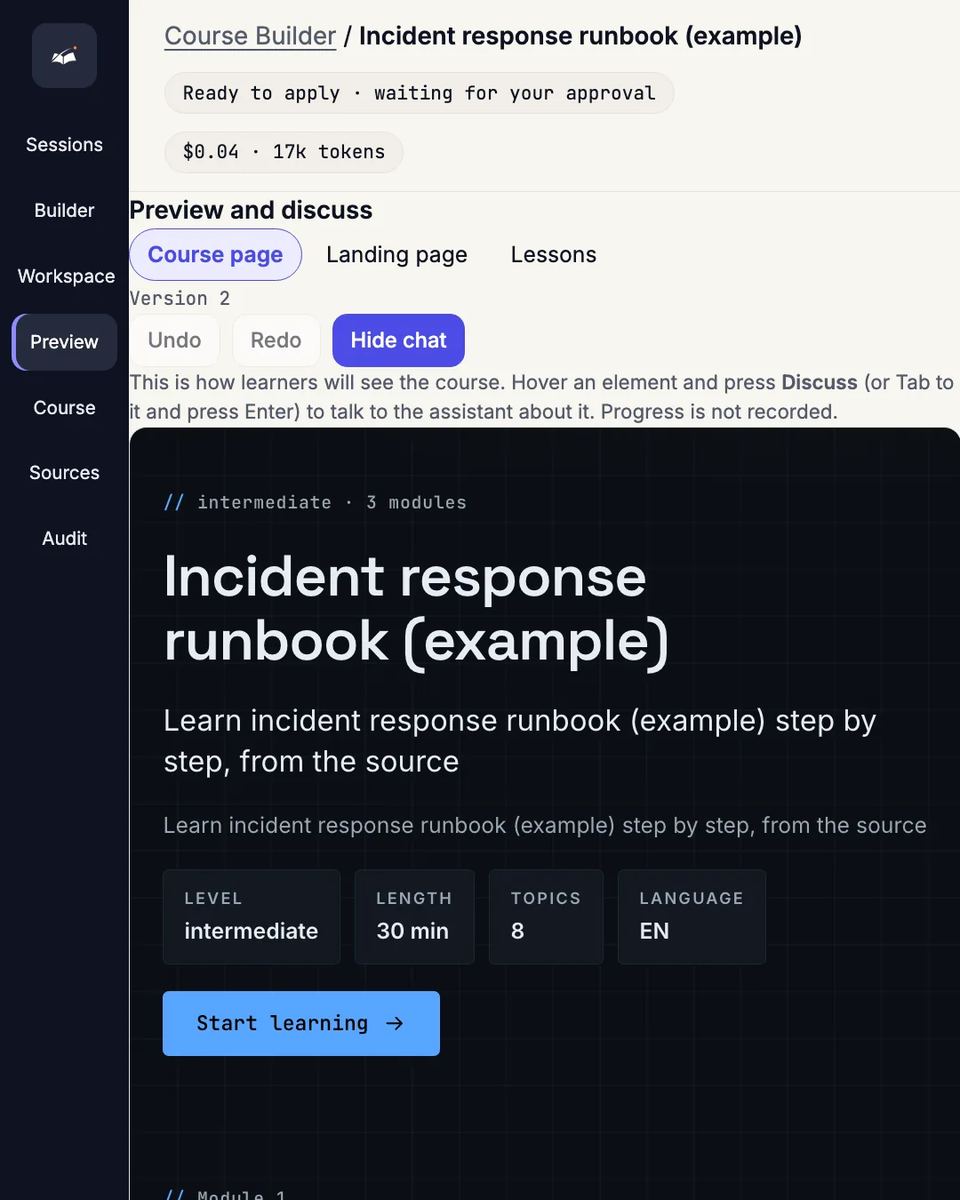
Upload a document, set the brief, review the structure, read the lessons, preview. A real model, a real document, 4 cents for the whole proposal.
Course generation
Studio
In the clip: the Studio on the On-Call academy. Sonnet writes the content, Haiku handles the lighter steps, about $0.04 in total. The generation step is sped up and labelled in the film. The course is saved as an unpublished draft.
From runbook to course in 5 steps — no editing tricks (well, almost: I sped up generation and labelled it 😄).
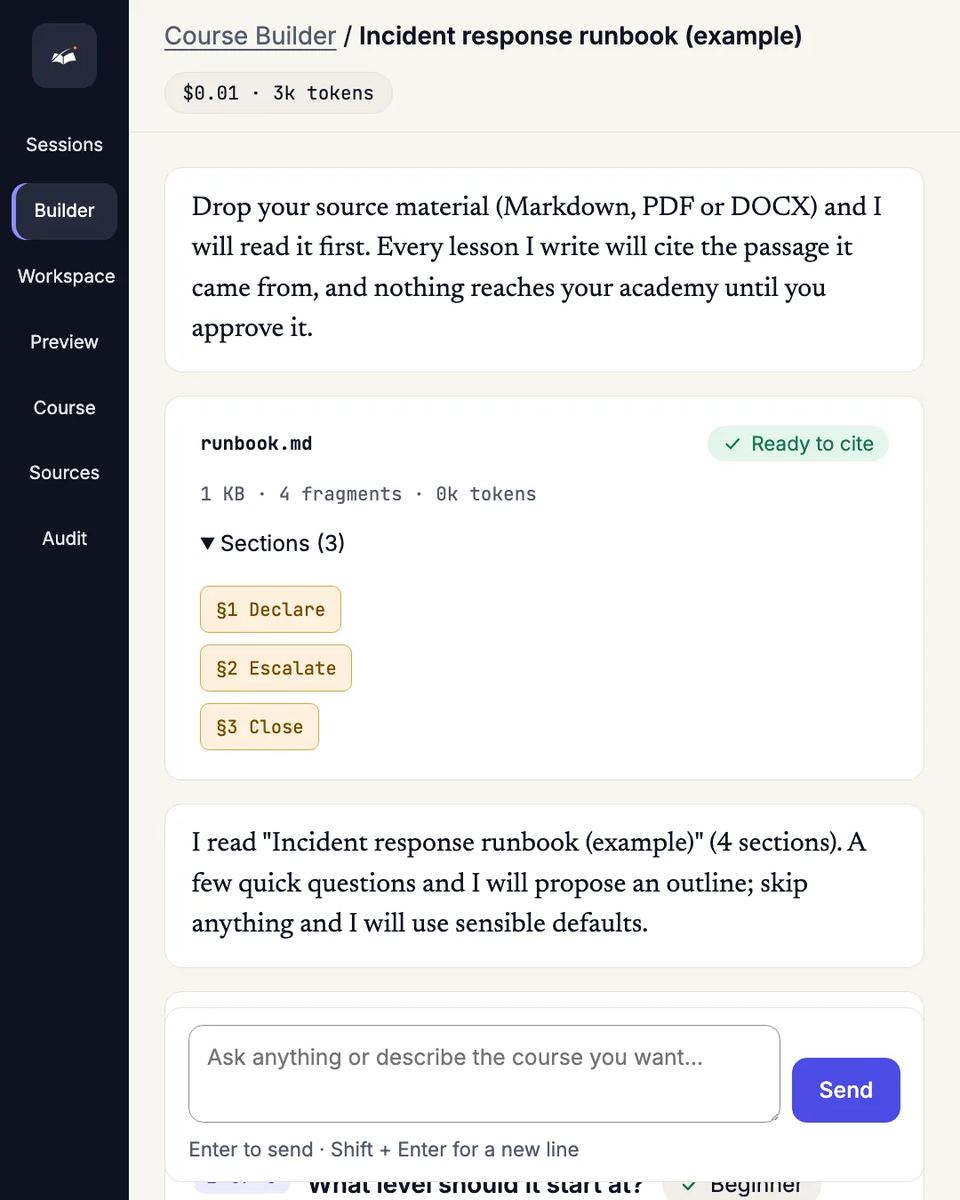
upload the document
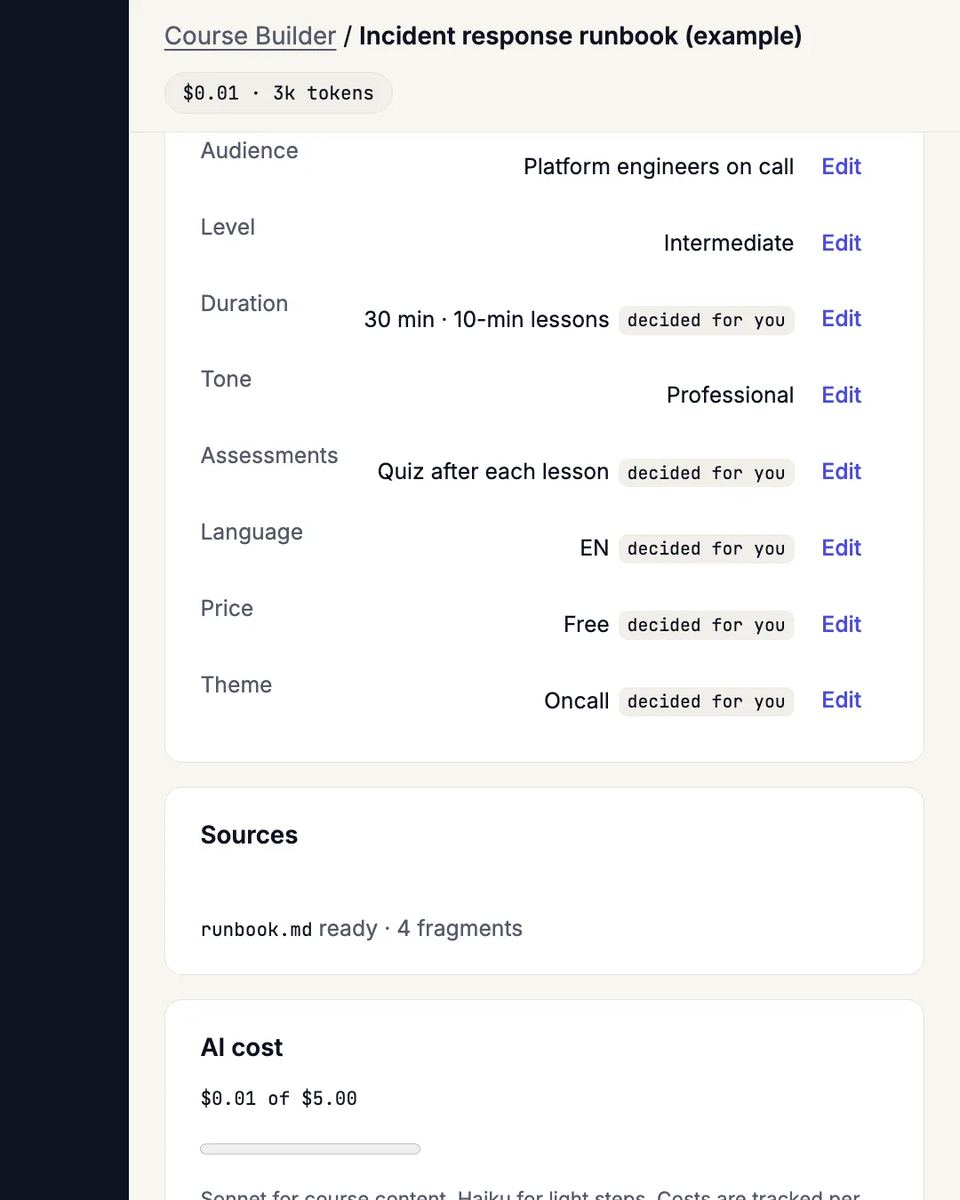
set the brief: audience, level, minutes
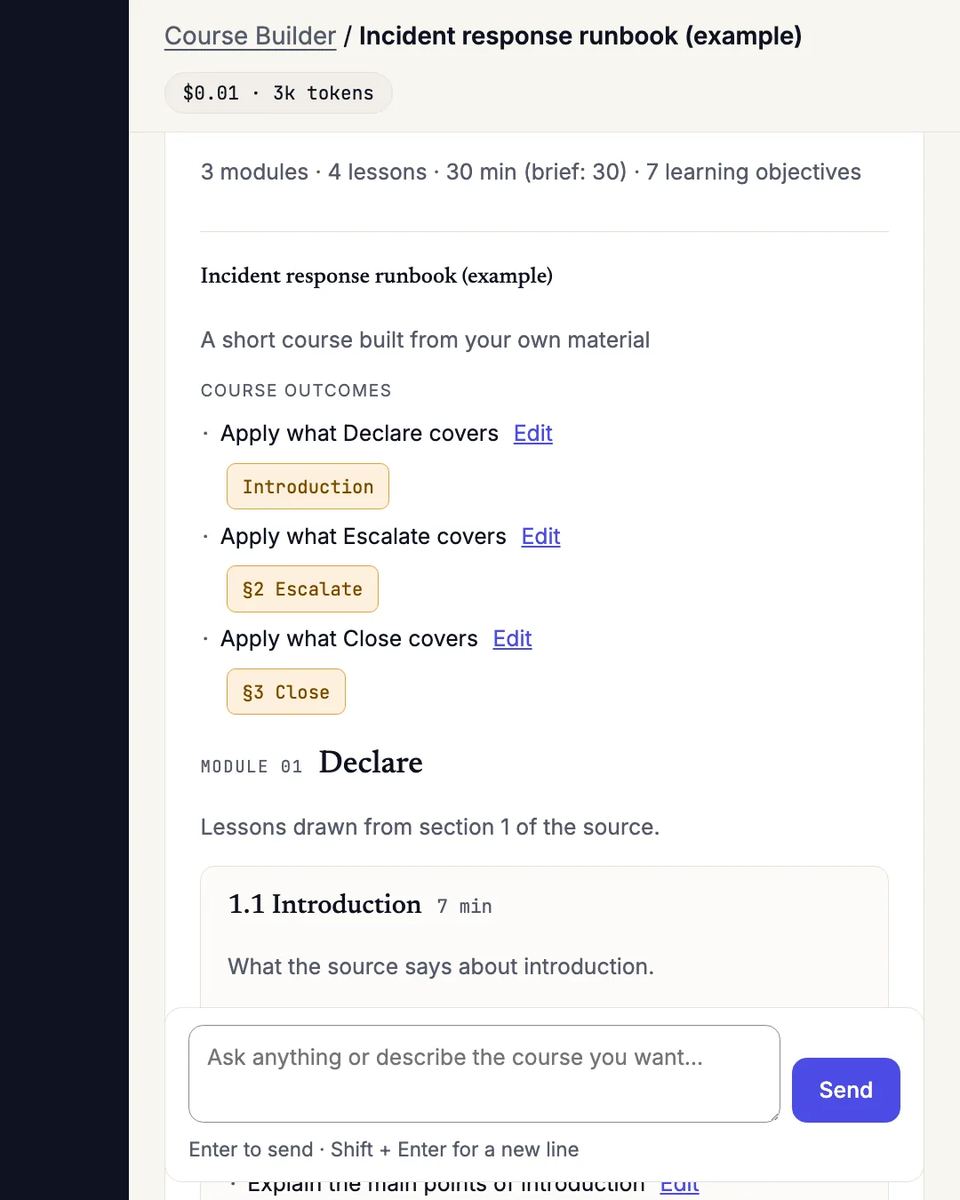
review the proposed structure
read the lessons and questions
open the preview before publishing anything
What's real: a real model, a real document, the real Studio. Cost of the whole proposal: 4 cents. Every lesson points to the passage it came from.
The important part stays with a human: what the learner should learn and whether the text explains it well. AI drafts. I decide.
Which part of preparing training eats most of your time?
This post is part of a ten-day series that follows one example, from runbook to course to update. All posts are on the blog.
In pictures
1. Drop the source document in: ULAMS reads it into passages it can cite.2. Set the brief: audience, level, duration, tone, assessments.3. Review the proposed structure: modules, lessons and learning objectives.4. Read the generated lessons and questions. The cost so far is on screen.5. Open the preview before anything is published.