A CLI launcher starts the API, admin panel, Studio and learner interface with one command, and writes the passwords to a file.
Self-hosting
CLI
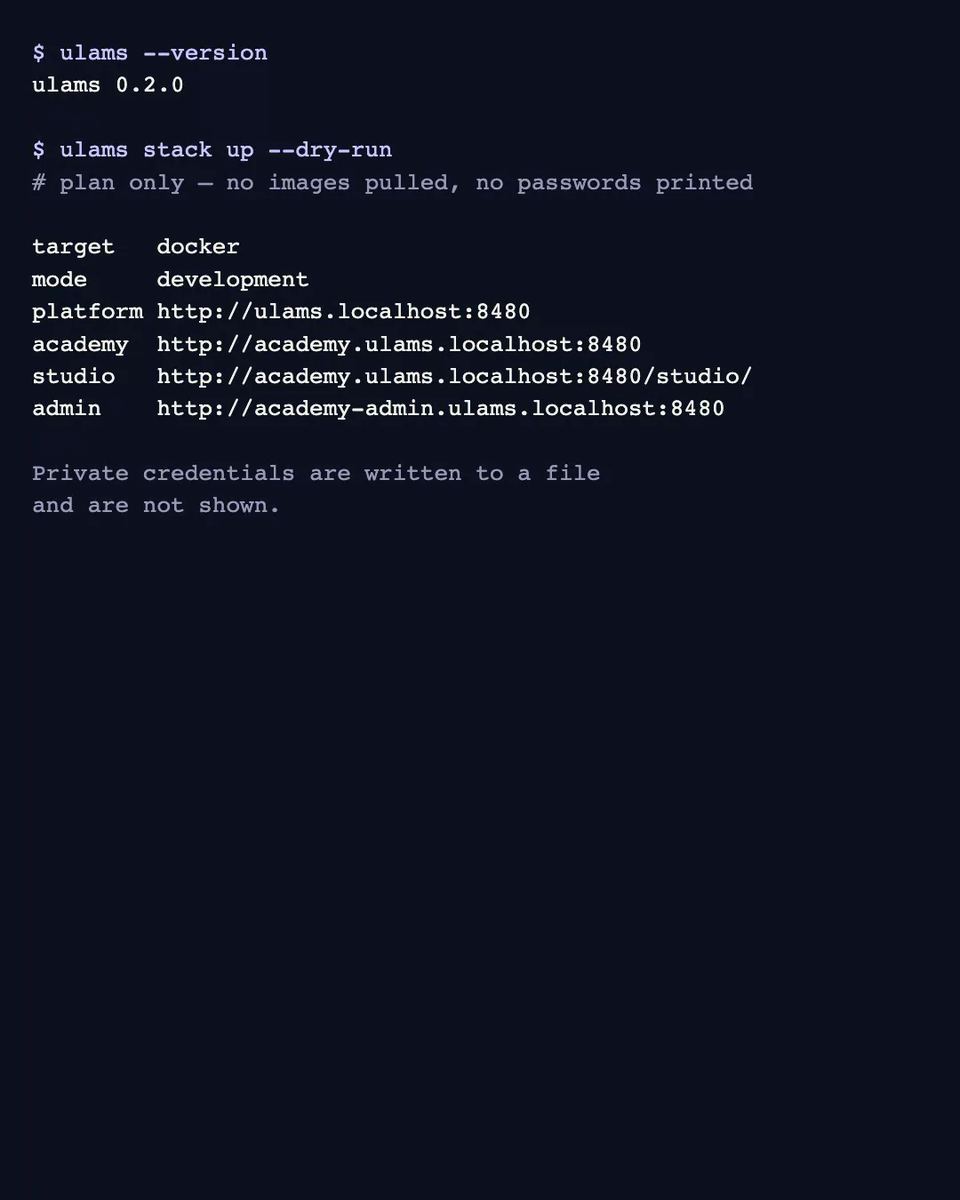
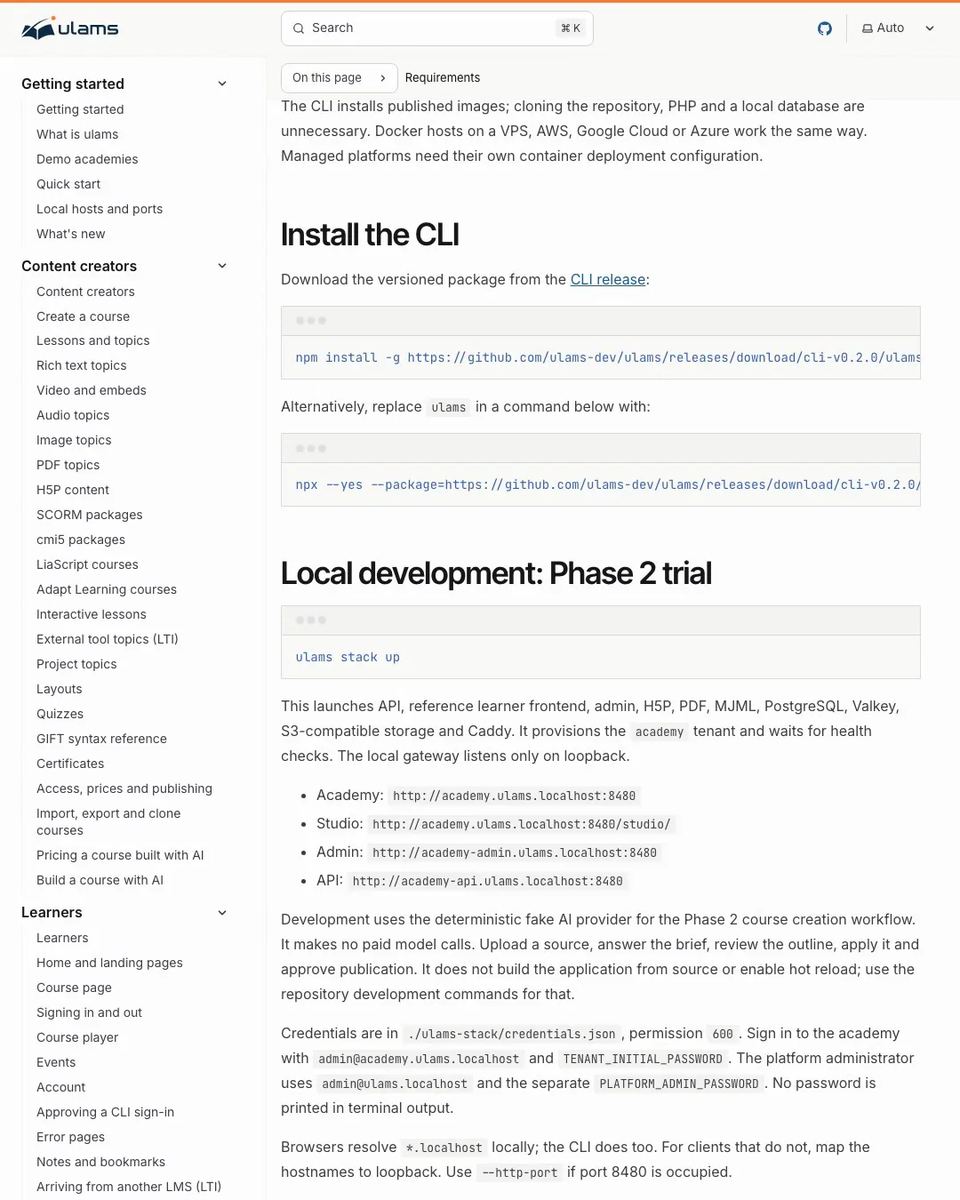
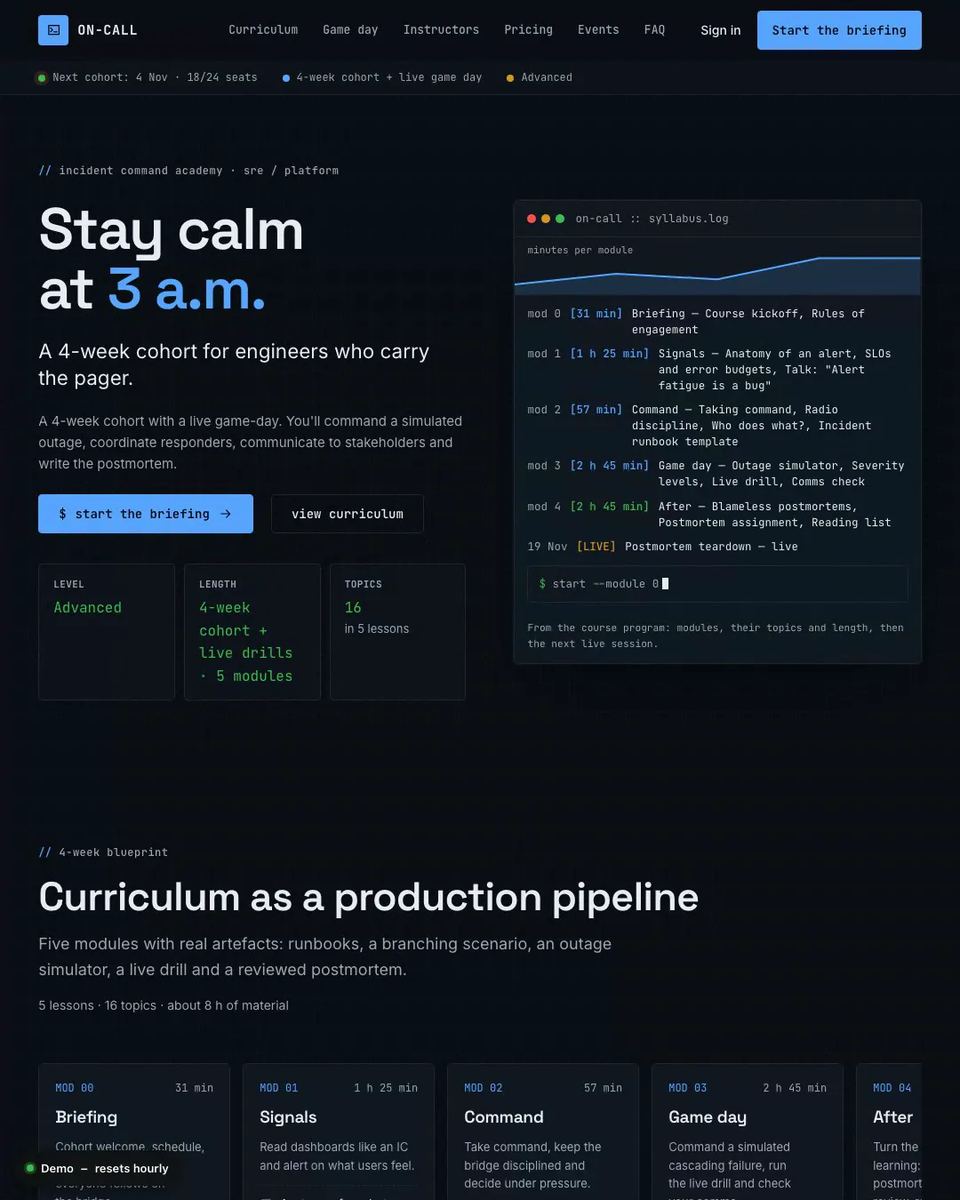
In the clip: the requirements from the docs, ulams 0.2.0, the plan printed by ulams stack up --dry-run (port 8480), and the On-Call academy at the end. The full image download is not shown and the credentials file is not displayed.
For me, open source starts the moment I can run it myself. No demo call 😄
ULAMS has a CLI launcher. Install it, have Docker, and:
ulams stack up
API, admin panel, Studio and learner interface come up
your first academy is created
passwords go to a file, not to the screen
What's real: the local trial uses simulated AI responses, so you pay for no model calls. Real generation needs a provider configured. Production also needs domains, HTTPS and services — there's a separate guide for that.
If you run it — let me know how it went. Every reported issue is a gift to me 🎁
This post is part of a ten-day series that follows one example, from runbook to course to update. All posts are on the blog.
In pictures
The plan printed by ulams stack up --dry-run: ports, mode, where credentials go.The guide: one-command Docker and Kubernetes.The first academy, On-Call, once the stack is up.