A Notion page became a course in 5 minutes of generation
One Notion page of onboarding notes, a real model, the real Studio: 6 lessons and 18 questions for $0.20, and the one workaround I needed.
I pointed ULAMS at a Notion page and got a cited course out of it.
The page is a short onboarding guide for new support agents at Fernhill Bikes, a bike shop I made up. The Studio read it as 6 passages.
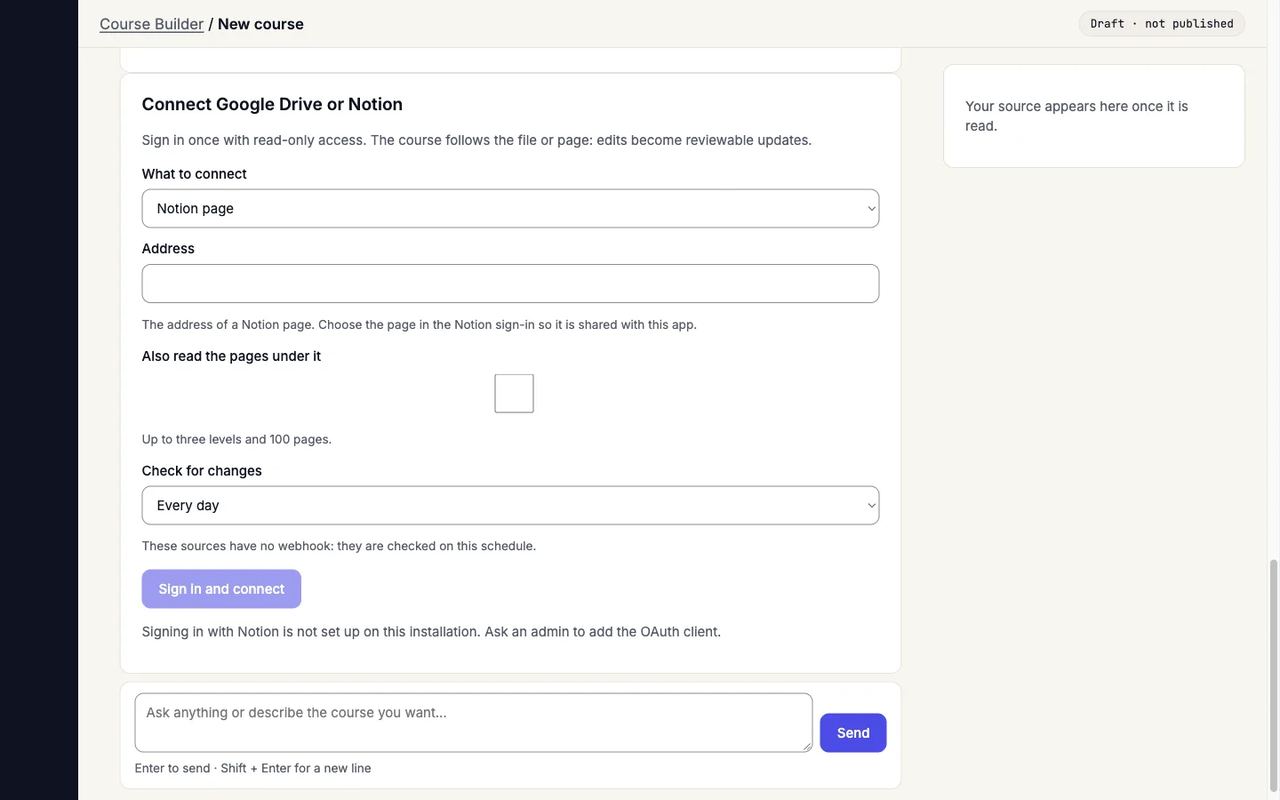
One workaround first. The Studio's Notion form only offers a sign-in, and I haven't set up the Notion OAuth client on my local install. The connector itself accepts an integration token, so I added the token through the API. It never appears on a screen. A paste-the-token field in the form is the missing piece, and it's on the roadmap.
After that it was the usual path in the Studio:
- answered the interview: new support agents, beginner, 60 minutes in 10-minute lessons, friendly tone, a quiz after each lesson
- approved the outline: 2 modules (one per week of the page), 6 lessons, 17 learning objectives. Product details were left out because the page gives none
- applied the course, acknowledged the warnings, published
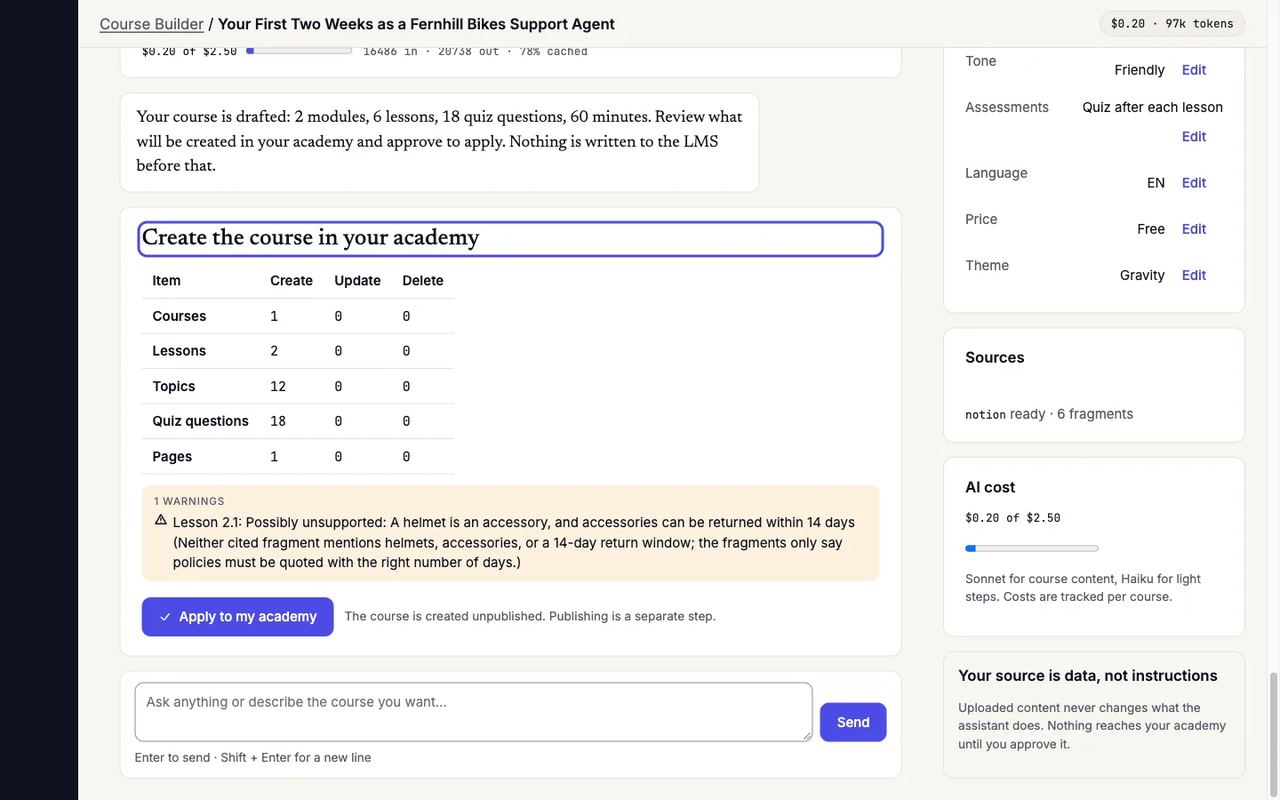
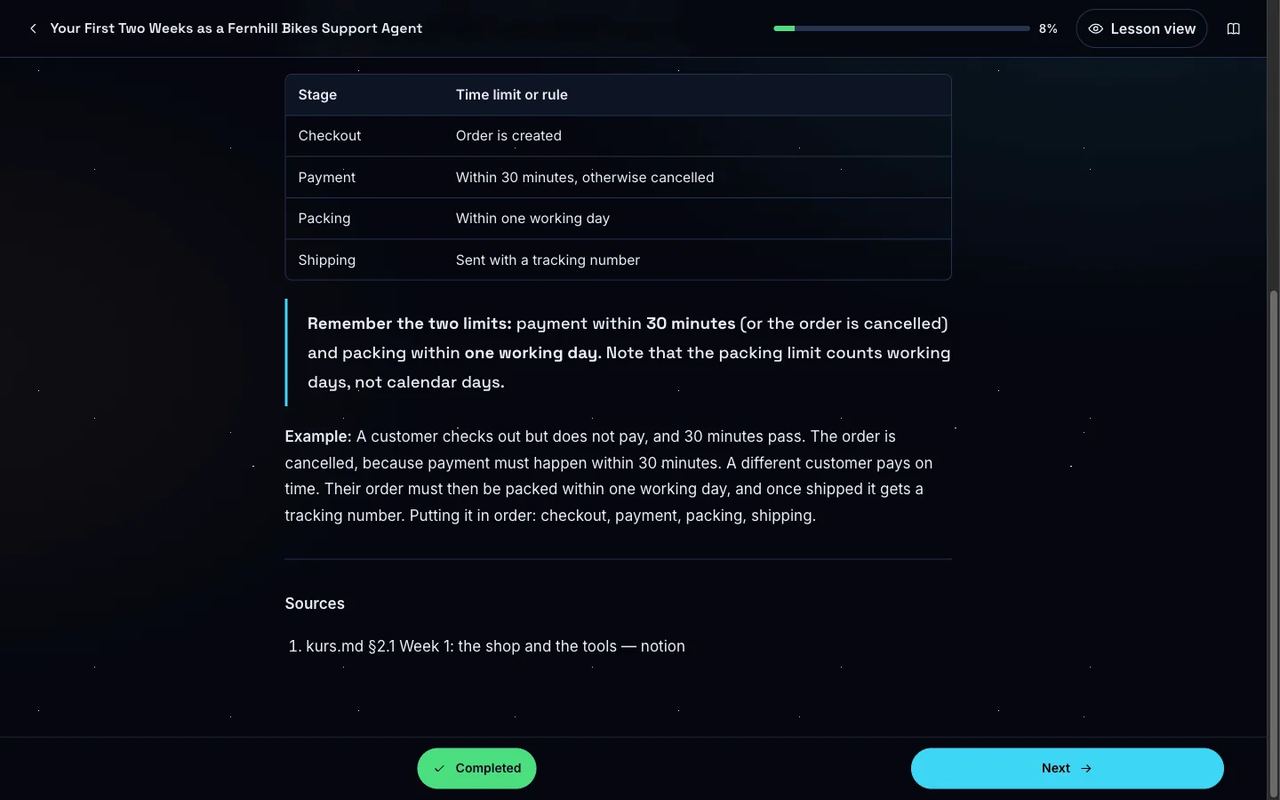
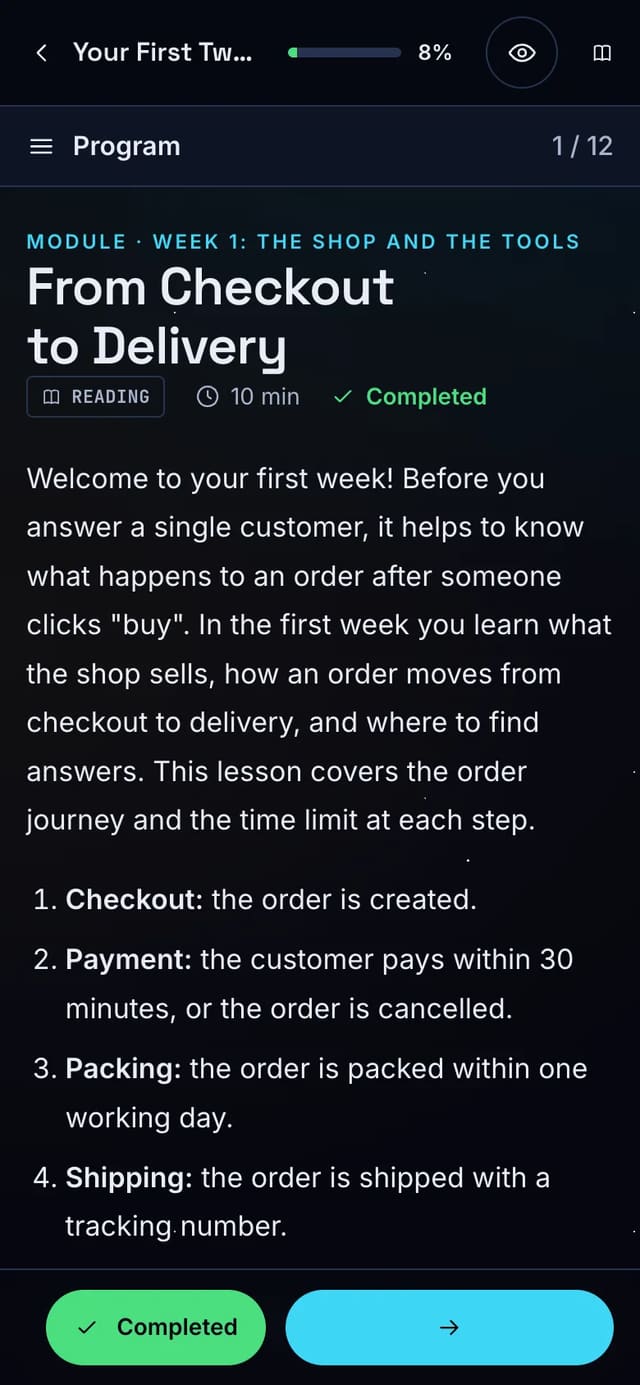
What came out: 6 lessons, 18 quiz questions, 31 blocks. All 31 cite one of 6 passages. The grounding check flagged one statement, about helmets, because neither cited passage supports it. I saw it before publishing.
Timings from the Studio's records: the outline took 27 seconds, lessons, quizzes and checks 4 min 58 s, apply 1 second. The whole run cost $0.20: 26 model calls, Sonnet for the outline, lessons and quizzes, Haiku for the interview, the grounding check and metadata. One call returned output that failed validation.
What's real, and what isn't:
- real model, real Notion page, the real Studio, on a local academy
- Fernhill Bikes is fictional, and the page is private, so I'm not linking it
- the course was not deployed anywhere
- one page, six passages. It says nothing about large workspaces, and I did not try the "include pages under it" option
Where does your team's training knowledge live today?
In pictures