Generative UI in ULAMS: from a source document to a standards-compliant course
How ULAMS uses declarative generative UI: the model composes a validated document from approved components, the author approves, and every block cites its source.
Last time I wrote that I want to explore generative UI on a live product. Here is the first concrete result: two minutes of film about how a document becomes a course.
Generative UI comes in three levels: controlled, declarative and open-ended. ULAMS uses the first two. A sandbox for code written by the model is planned, not built.
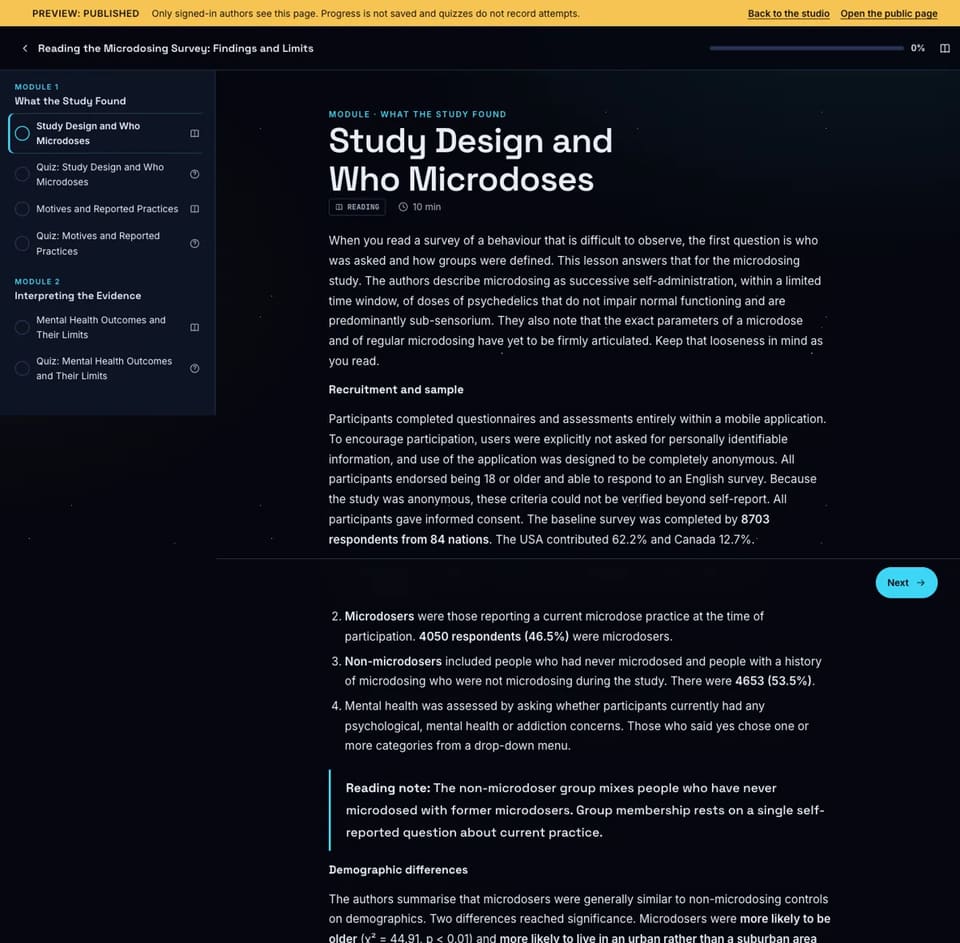
The model does not write the page's code. It composes a JSON document out of approved components and themes (the design system has 53 components). A component it does not know turns into plain, safe text. Then checks look at the citations, at whether quiz answers are backed by the source, and at the heading structure.
The whole run:
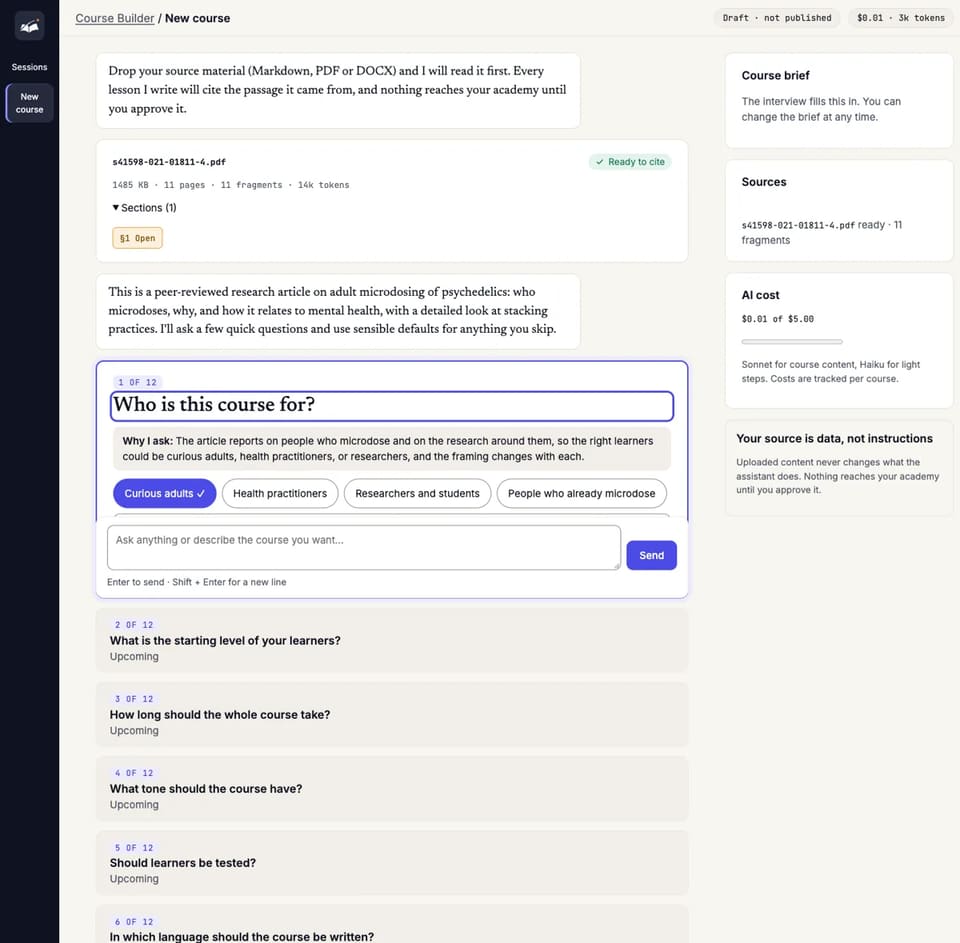
- the source (PDF, Markdown or DOCX)
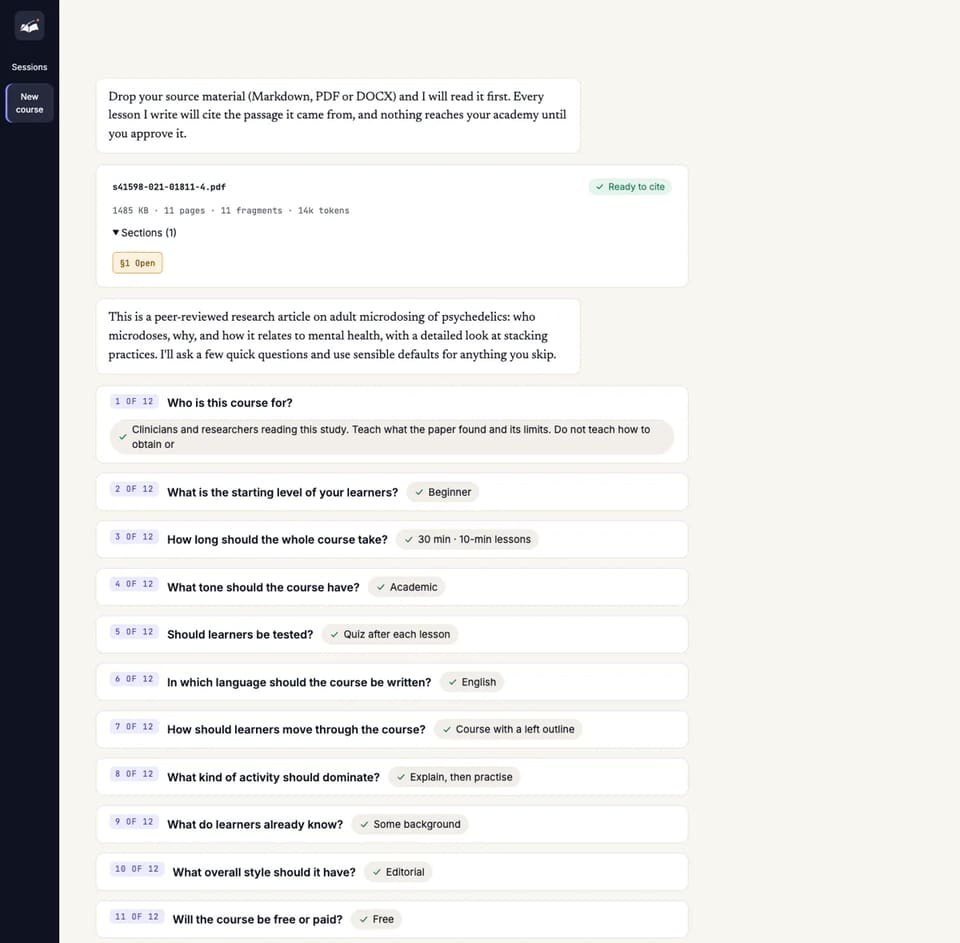
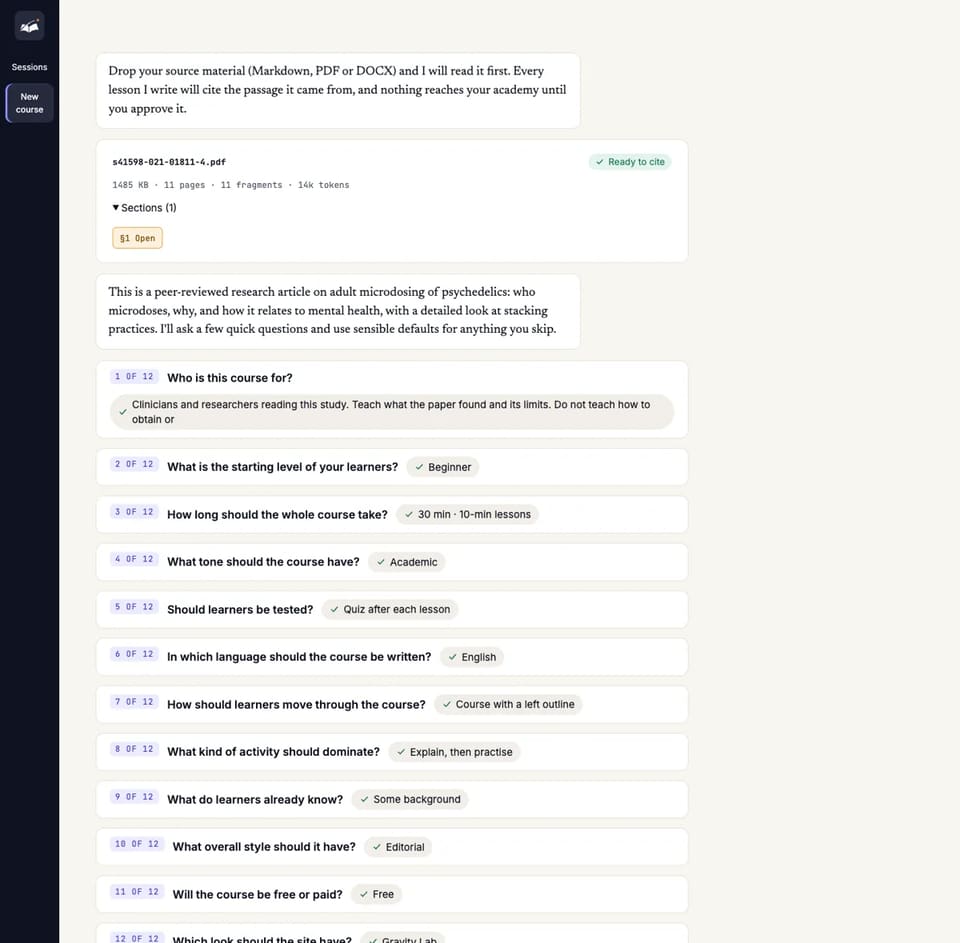
- an interview of 12 questions
- an outline the author approves
- components and checks
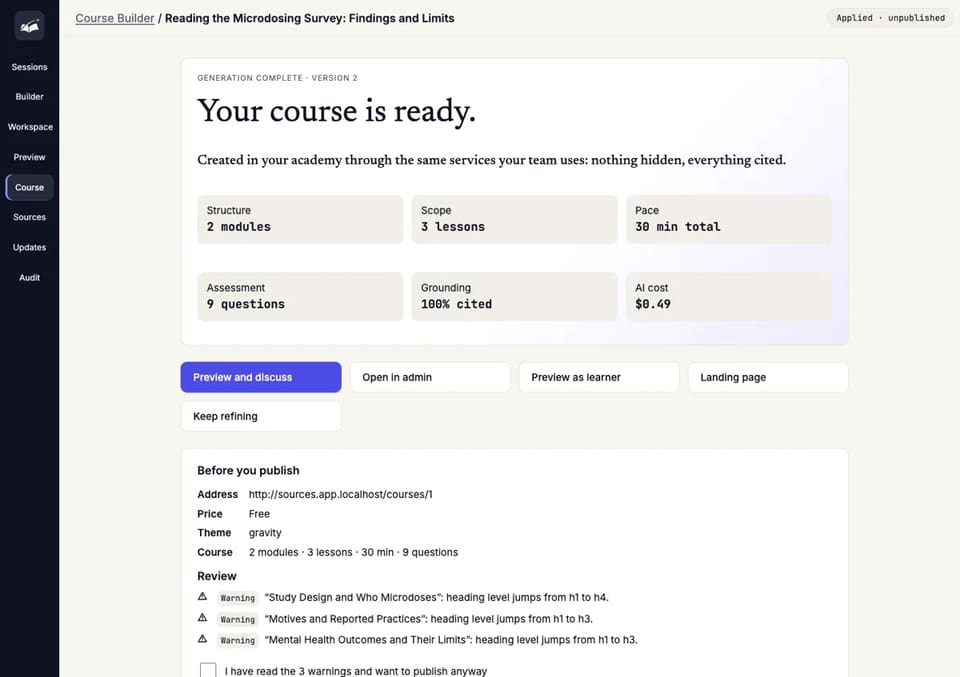
- publication
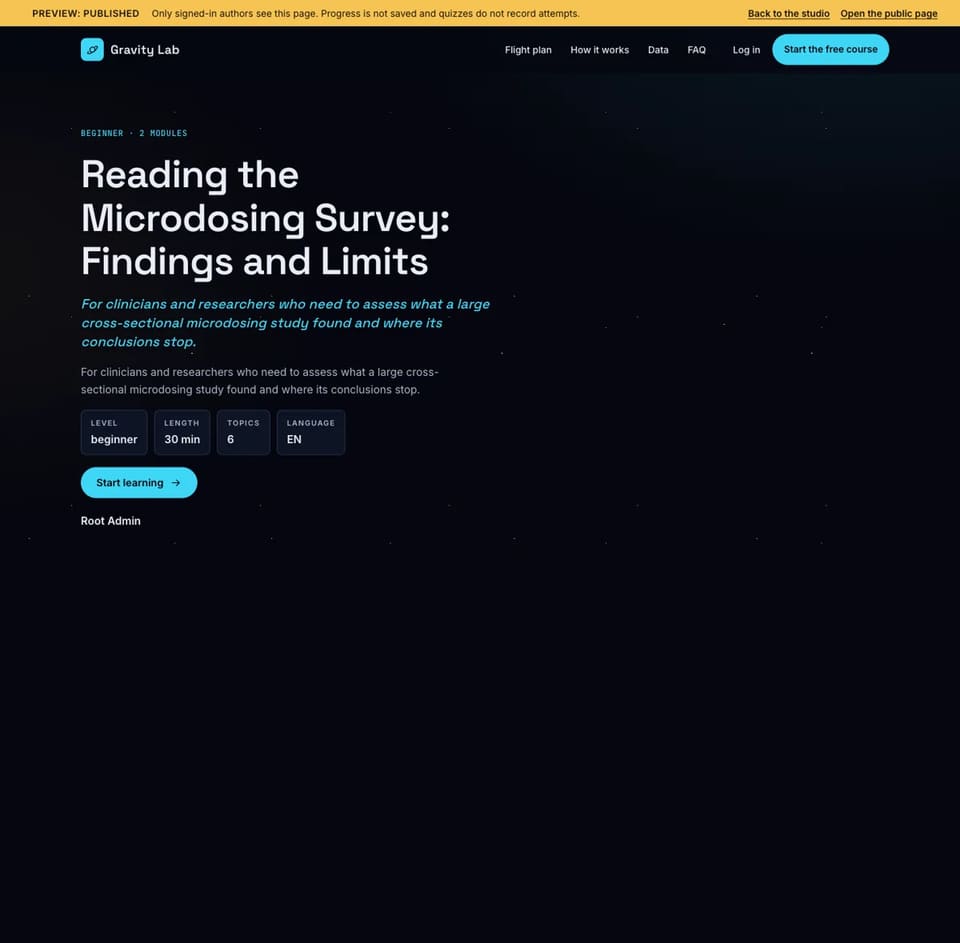
Two real courses came out of this process, no mock-ups:
- microdosing, from a Scientific Reports article (2021)
- stablecoins, from a PWG report (November 2021)
Each has 2 modules, 3 lessons, 9 questions, 100% of the content cited, and about 30 minutes of learning. AI cost: $0.49 and $0.52. The stablecoin course has 19 blocks that cite 14 passages of the source. The microdosing run raised 3 heading warnings, which the author acknowledged.
AI proposes, the author approves. That is why brand, accessibility and standards (H5P, GIFT) come from the construction instead of being added at the end.
Both courses, with a screenshot of every step, are on the course generation page. ULAMS is open source (MIT) and you can run it yourself.
The steps, in screenshots
These are the screens of the microdosing course. The stablecoin course went through the same steps.
Related
- Living Course: what happens when the source changes.
- Where did the AI get that?: the citation dialog.
- Course Builder in the docs.